🔍 How to Use Claimables
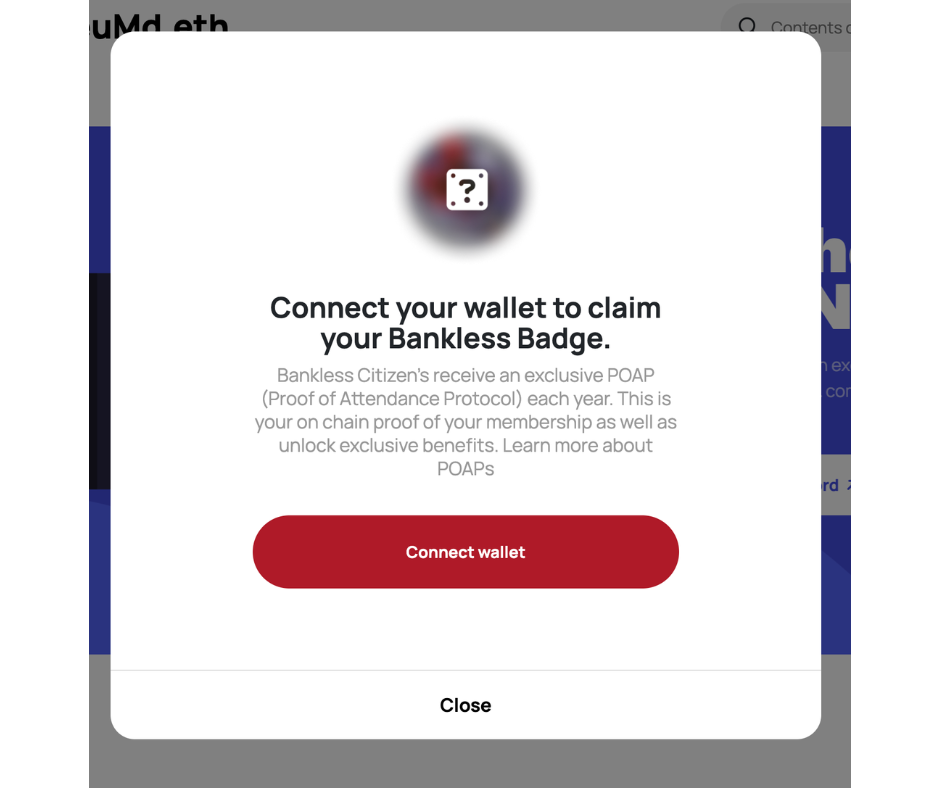
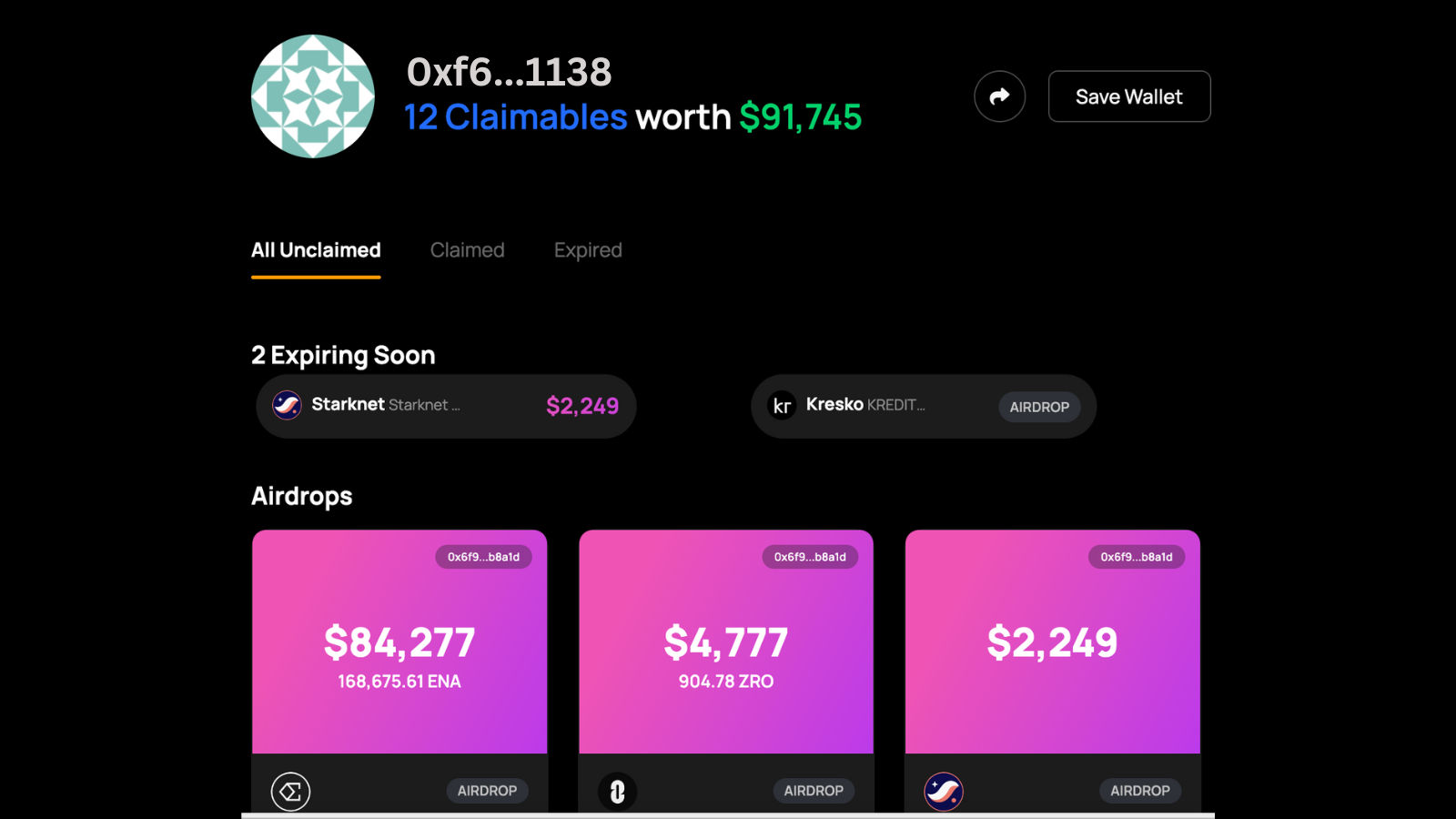
Step 1 in using Claimables — plug in your wallet(s)!

Step 2 — See what claimables populate in each of your wallets!

Step 3 — Claim your unclaimed airdrops, POAPs, staking rewards, etc.

Not seeing any Claimables? You've come to the right place. With Citizenship, you now have full access to the ✨ Bankless Airdrop Hunter ✨ — the best way to start earning and populating claimables in your wallets! You can learn more about the Airdrop Hunter here.
PRO TIP: Have a claimable that keeps surfacing as 'unclaimed'? You can now manually check that claimable as Claimed to prevent it from showing up as unclaimed again.

🔔 More than just airdrops
Claimables offers more than just airdrop alerts. It's your home base for your wallet's untapped opportunities.
Claimable examples:
🗳 Votes — Options for onchain governance in DAOs, protocols, ecosystems, etc., some of which can count towards future airdrops
🖼 Mints — Get alerted when you're eligible for NFT mints you may not have known you're eligible for
📍 POAPs — Free NFTs that serve as mementos for attending events or completing actions in Web3
💸 Rewards — Earning from staking, points, etc.
🪂 Airdrops — Tokens sent to your wallet for being an early user of Web3 apps, ecosystems, DAOs, protocols, etc.
🚨 ENS expirations — Get alerts for when your Ethereum Name Service domains are about to expire
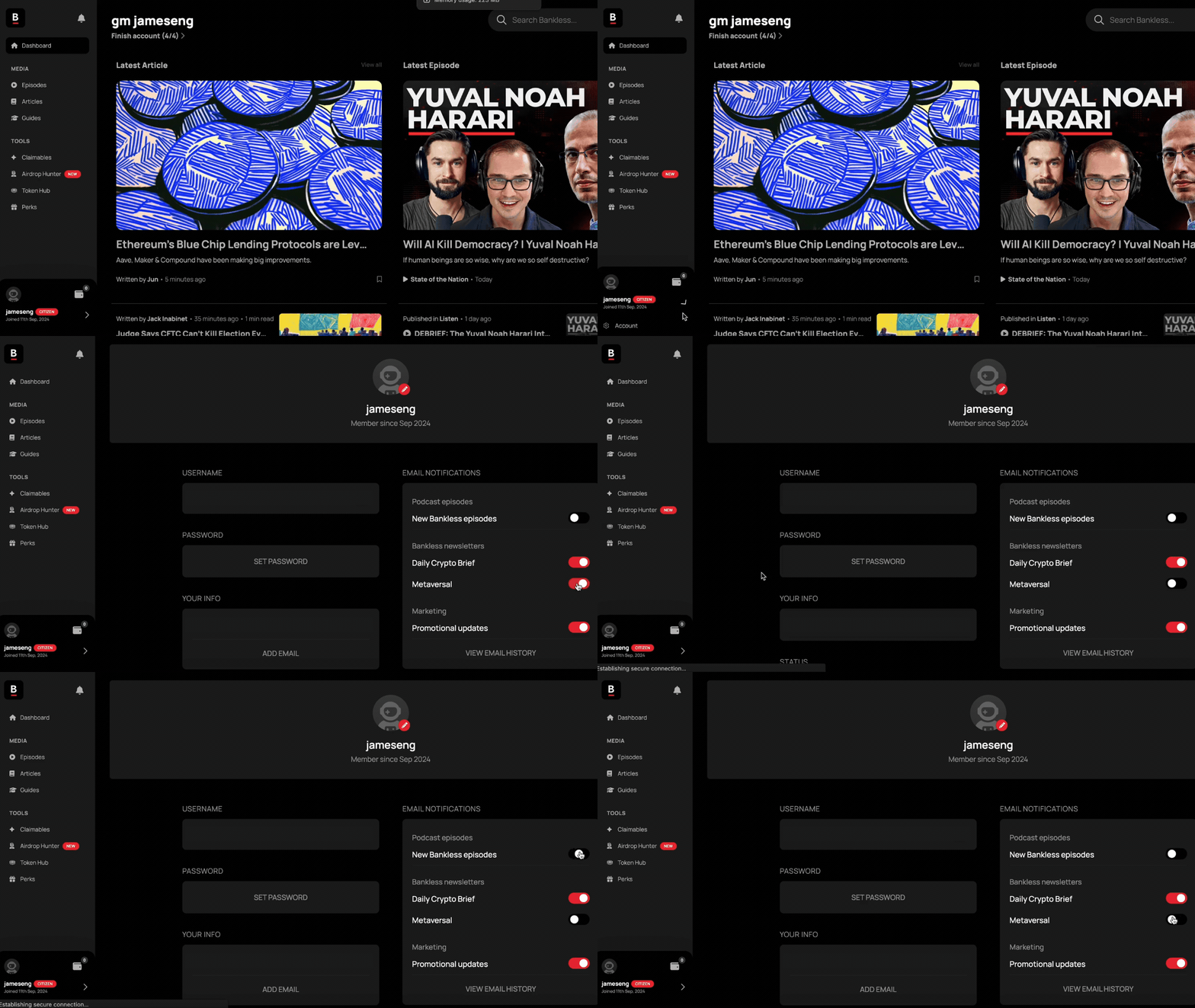
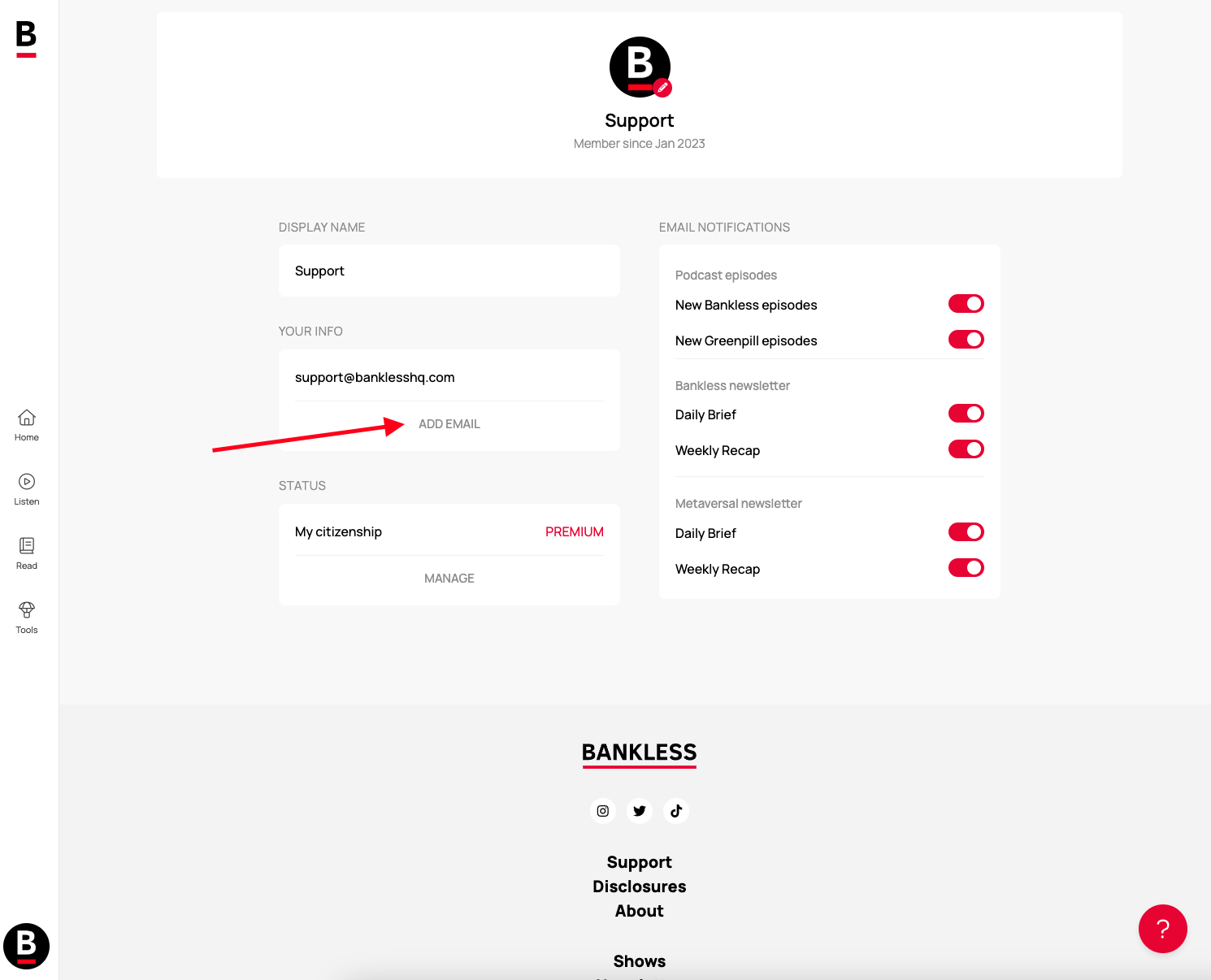
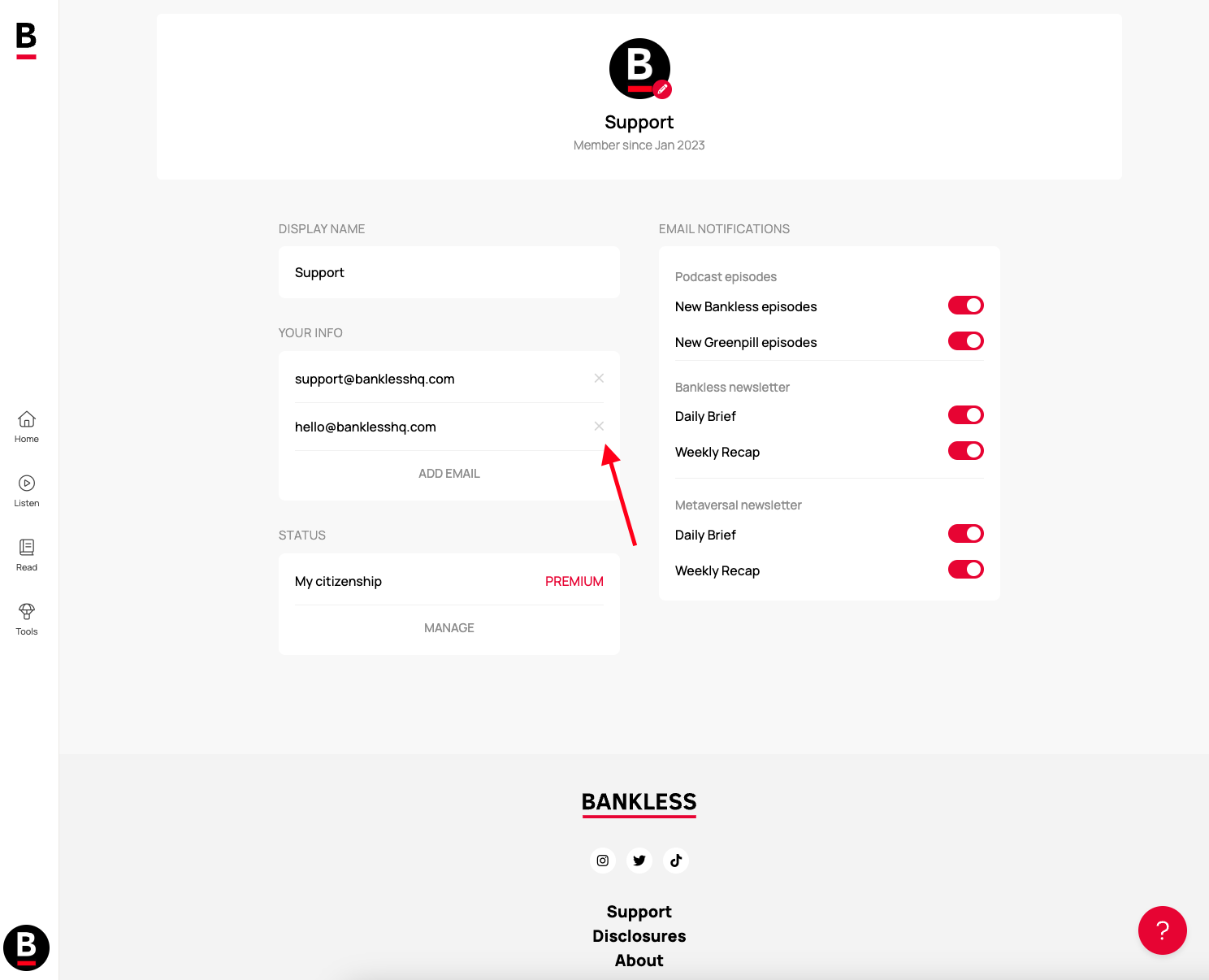
You can set your account to send email alerts whenever you have a new claimable to check out! (You can turn this feature off in your settings directly on the Claimables home page, as shown below.)

♾ What about wallet limits?
You can add unlimited signed wallets. You read that right. All your wallets can be managed on your account on Bankless.com/claimables
For security, we have caps in place for watchlisted wallets as follows:
- Free members:
- Connected, signed wallet limit: Unlimited
- Searched and saved wallets (watchlist): 10/month, 50 lifetime total cap
- Deleting wallets: Unlimited
- Paying members (Citizens):
- Connected, signed wallet limit: Unlimited
- Searched and saved wallets (watchlist): 20/month, 50 lifetime total cap
- Deleting wallets: Unlimited
If you have any further questions, feel free to email us at [email protected]